Instagram Reels resizer: make a 9:16 Reel
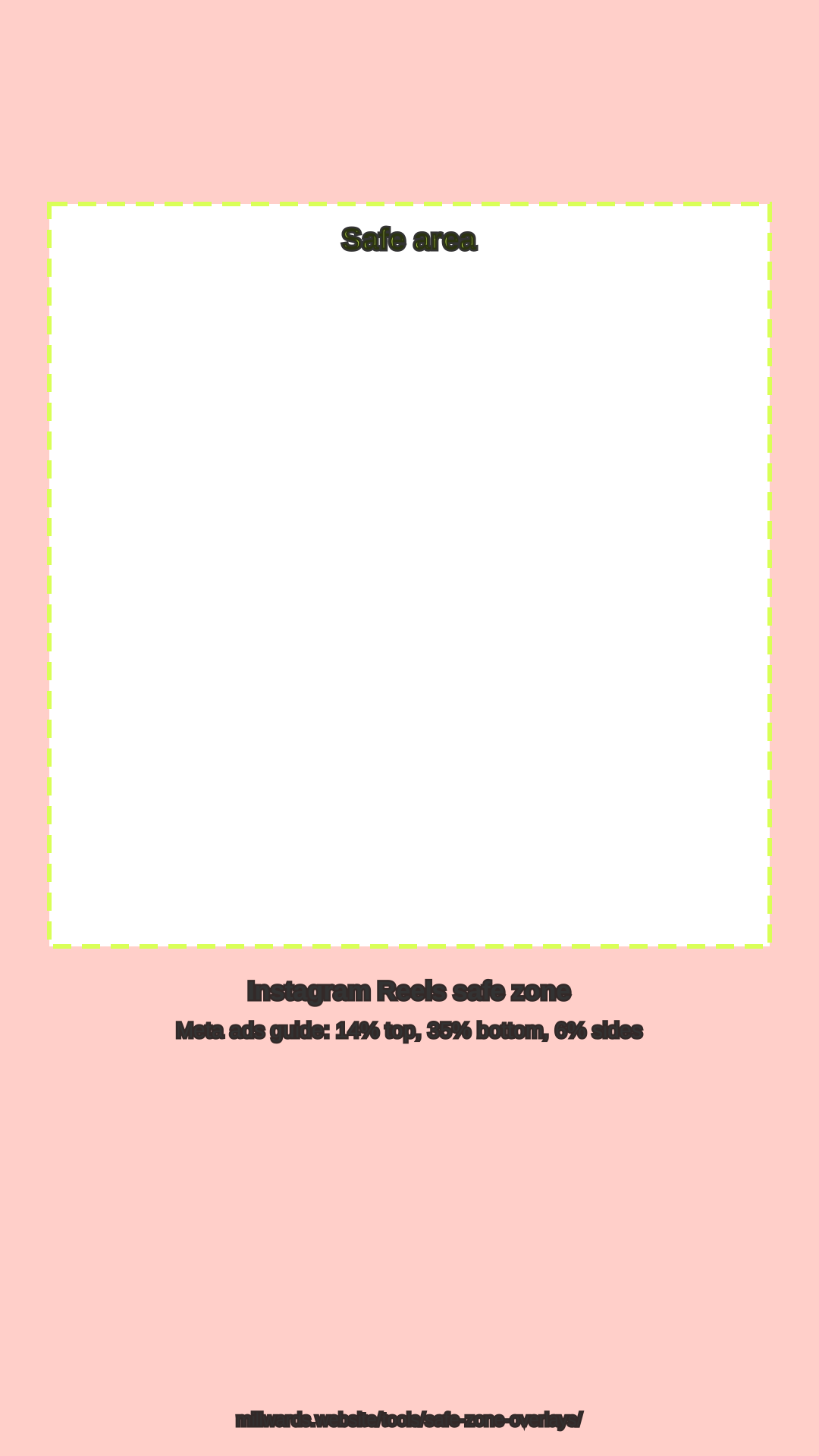
Short answer: click Open the Reels resizer. The editor opens at 9:16 with Meta's Reels safe zone drawn over the frame (14% top, 35% bottom, 6% each side). Add your own video, trim it, keep your text inside the dashed box and export. The 720 × 1280 export is free and needs no account.
How to resize a video for Reels
- Open the Reels resizer. The editor opens at 9:16 with the Reels guide on. The Safe zones button hides or shows it.
- Add your video. Click Choose a file and pick an MP4, MOV or WebM from your device, up to 1 GB.
- Trim the moment. Drag the handles on the clip timeline, or type In and Out times.
- Keep text in the safe area. The bottom 35% is where Instagram puts the caption, audio and buttons, so on-screen text belongs higher. Use Fill to crop edge to edge or Fit to keep the whole frame on a Blurred or Solid background.
- Export. Click Export & share for a free 720 × 1280 WebM made in your browser, with a watermark. Upload it in the Instagram app yourself.
Instagram Reels spec
| Item | Value | Source |
|---|---|---|
| Aspect ratio | 9:16 | Meta ads guide: Instagram Reels |
| Recommended resolution | 1440 × 2560 | Meta ads guide: Instagram Reels |
| Safe zone | Keep about 14% top, 35% bottom, 6% each side clear | Meta ads guide: Instagram Reels |
| Length | Up to 20 minutes in the app; Reels over 3 minutes are not recommended to new audiences | Instagram: Reels |
| Free export from this tool | 720 × 1280 WebM, watermark | Millwards Studio editor |
| Pro export from this tool | 1080 × 1920 MP4, no watermark | Millwards Studio Pro |
More detail, and a check for your own file, is in the Instagram Reels size guide.
Millwards Studio is for video you own or have the rights to use. It does not download videos from Instagram or anywhere else.
FAQ
What size should an Instagram Reel be?
Reels are 9:16 vertical. Meta's Reels ads guide recommends 1440 x 2560 pixels; 1080 x 1920 and 720 x 1280 are the same 9:16 shape at lower resolutions.
What is the Instagram Reels safe zone?
Meta's Reels ads guide suggests keeping roughly 14% of the top, 35% of the bottom and 6% on each side clear of text and logos, so the profile icon and call to action do not cover them. The editor's guide draws exactly those margins.
Do I need an account?
No. The editor, trimming and the free 720 x 1280 export work without signing in. Free exports carry a Millwards Studio watermark.
Can I export in a higher resolution?
Pro (£12 per month after a 7-day trial) renders a 1080 x 1920 MP4 with no watermark. Millwards Studio does not export 1440 x 2560.
Is the safe-zone guide in my exported video?
No. It is only drawn over the preview to help you place text; the export does not include it.