Convert a horizontal video to a vertical YouTube Short
Short answer: a Short has to be square or vertical, so a 16:9 video needs converting. Click Open the Shorts converter: the editor opens at 9:16 with the Shorts safe-zone guide on. Add your own video, trim it to 3 minutes or less, pick Fill (crop) or Fit (keep the whole frame) and export. The 720 × 1280 export is free and needs no account.
Open the Shorts converter (9:16)
How to turn a 16:9 video into a Short
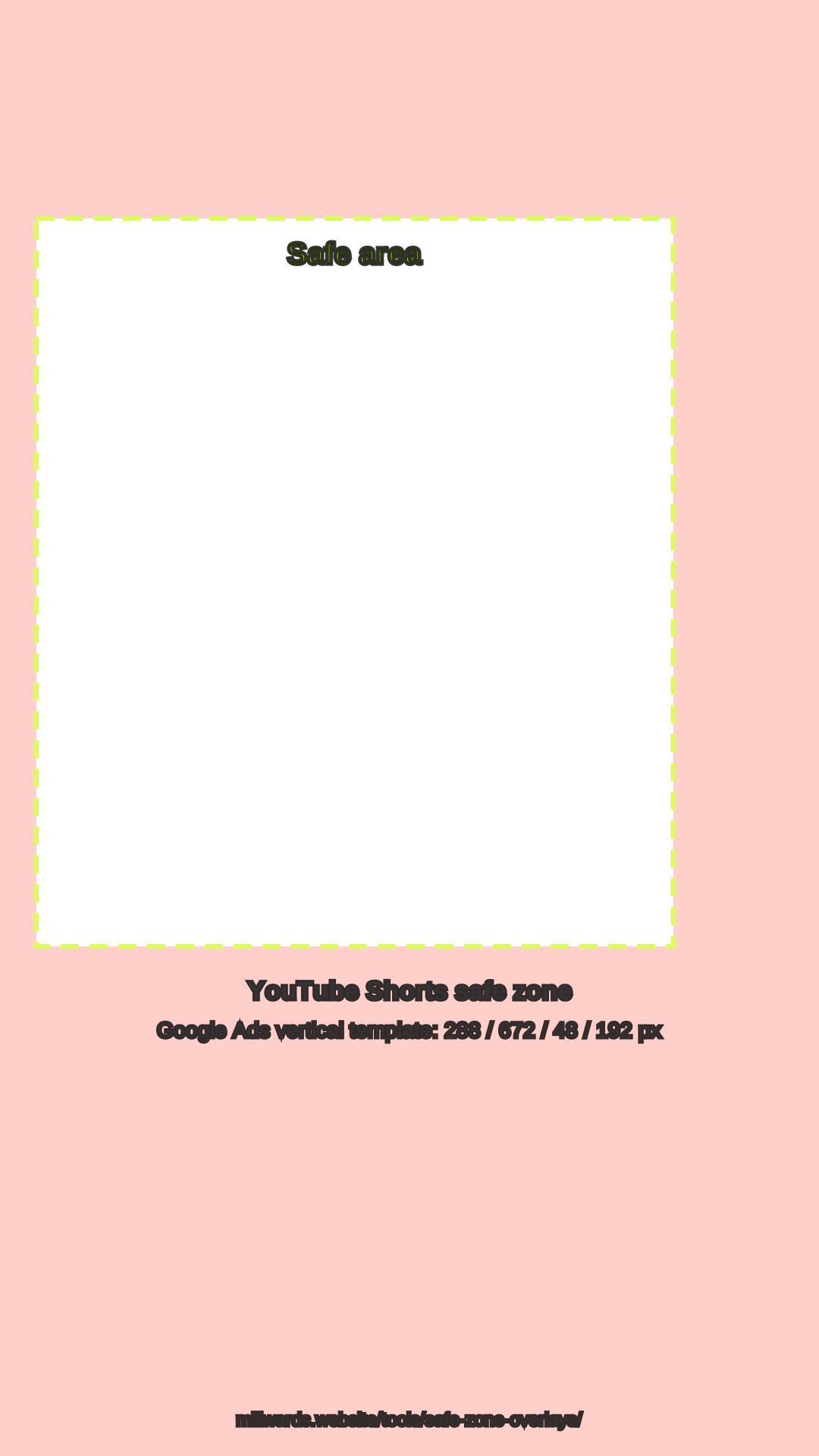
- Open the Shorts converter. The editor opens at 9:16 with the Shorts guide on. The Safe zones button hides or shows it.
- Add your 16:9 video. Click Choose a file and pick an MP4, MOV or WebM from your device, up to 1 GB.
- Trim to 3 minutes or less. Drag the timeline handles or type In and Out times.
- Choose Fill or Fit. Fill keeps a centre strip of the landscape frame, about a third of its width. Fit keeps everything and puts a Blurred or Solid background above and below. The right-hand 192 px is where YouTube's buttons sit, so keep text left of it.
- Export. Click Export & share for a free 720 × 1280 WebM made in your browser, with a watermark. Upload it to YouTube yourself.
YouTube Shorts spec
| Item | Value | Source |
|---|---|---|
| Aspect ratio | Square or vertical (9:16 fills the screen) | YouTube Help: three-minute Shorts |
| Length | Up to 3 minutes (uploads on or after 15 Oct 2024) | YouTube Help: three-minute Shorts |
| Vertical resolution | 1080 × 1920 recommended, 9:16 | Google Ads help: video ad safe zones |
| Safe zone (1080 × 1920) | 288 px top, 672 px bottom, 48 px left, 192 px right | Google Ads vertical template |
| Free export from this tool | 720 × 1280 WebM, watermark | Millwards Studio editor |
| Pro export from this tool | 1080 × 1920 MP4, no watermark | Millwards Studio Pro |
Fill or Fit from a 16:9 source
| Option | From 1920 × 1080 | Use it when |
|---|---|---|
| Fill | Keeps a centre strip about 608 px wide (about 32%); the sides are cut. | One speaker or object stays in the middle. |
| Fit | Keeps the full width; the picture fills about 32% of the 9:16 height, with background above and below. | The whole frame matters: slides, gameplay HUDs, two people. |
More on Shorts sizes, with a check for your own file, is in the YouTube Shorts size guide. For the maths on any ratio, use the aspect ratio calculator.
Millwards Studio is for video you own or have the rights to use. It does not download videos from YouTube or anywhere else.
FAQ
Will a horizontal video count as a YouTube Short?
No. YouTube Help says a Short must have a square or vertical aspect ratio and be up to three minutes long. A 16:9 video has to be converted to 9:16 (or 1:1) first.
How much of a 16:9 frame survives a crop to 9:16?
With Fill, a 1920 x 1080 frame keeps a centre strip about 608 pixels wide, roughly 32% of the width. With Fit nothing is cut; the frame sits in the middle with a blurred or solid background above and below.
What is the YouTube Shorts safe zone?
Google Ads' vertical video template for 1080 x 1920 keeps 288 px at the top, 672 px at the bottom, 48 px on the left and 192 px on the right clear. The editor's Shorts guide draws those margins.
Do I need an account?
No. The editor, trimming and the free 720 x 1280 export work without signing in. Pro (£12 per month after a 7-day trial) adds a 1080 x 1920 MP4 with no watermark.
Can I convert someone else's YouTube video?
No. Millwards Studio is for video you own or have the rights to use. It does not download videos from YouTube.