TikTok resizer: resize a video to 9:16
Short answer: click Open the TikTok resizer. The Millwards Studio editor opens at 9:16 with a vertical safe-zone guide over the frame. Add your own video, trim the moment, choose Fill or Fit and export. No account is needed for the free 720 × 1280 export.
Open the TikTok resizer (9:16)
How to resize a video to 9:16 for TikTok
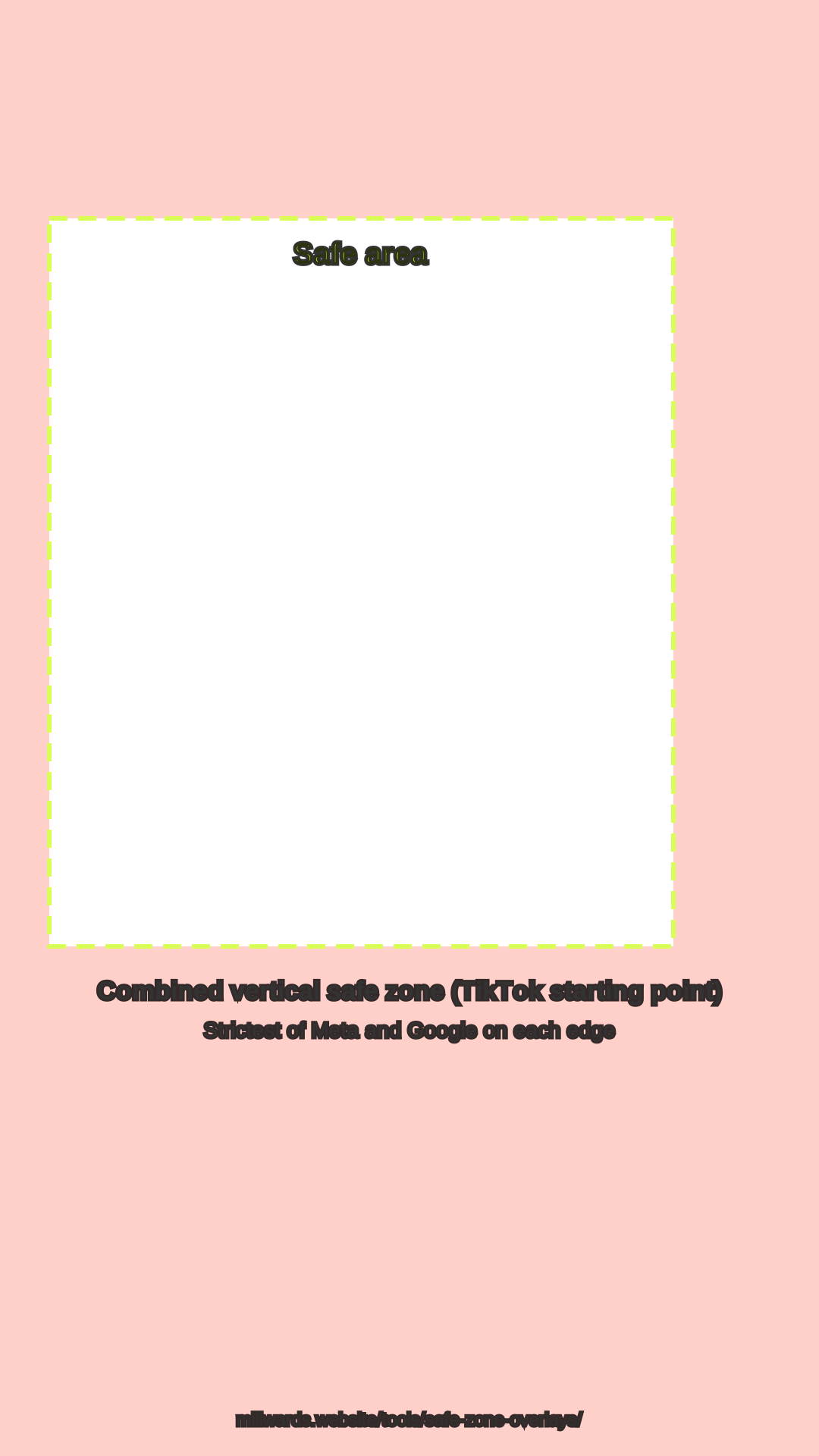
- Open the resizer. The button above opens the editor already set to 9:16, with the safe-zone guide switched on. The Safe zones button above the frame hides or shows it.
- Add your video. Click Choose a file and pick an MP4, MOV or WebM from your device, up to 1 GB.
- Trim the moment. Drag the handles on the clip timeline, or type In and Out times. Starting on the point rather than a long intro gives viewers a reason to stay.
- Pick Fill or Fit. In Layout, Fill crops the frame edge to edge; Fit keeps the whole frame on a Blurred or Solid background. Watch that text stays inside the dashed box.
- Export. Click Export & share. The free export is a 720 × 1280 WebM made in your browser, with a Millwards Studio watermark. Upload it to TikTok yourself.
TikTok video spec
| Item | Value | Source |
|---|---|---|
| Aspect ratio | 9:16 vertical (recommended) | TikTok Ads help: In-Feed ads |
| Minimum size for 9:16 | 540 × 960 or more | TikTok Ads help: In-Feed ads |
| Safe zone | Depends on caption length; TikTok provides it as downloadable files | TikTok Ads help: In-Feed ads |
| Free export from this tool | 720 × 1280 WebM, watermark | Millwards Studio editor |
| Pro export from this tool | 1080 × 1920 MP4, no watermark | Millwards Studio Pro |
For lengths and the other platforms, see the TikTok, Reels and Shorts video size guide.
Fill or Fit
| Option | What happens | Use it when |
|---|---|---|
| Fill | Scales the video until the 9:16 frame is full. From a 16:9 source the left and right edges are cut. | The subject stays near the centre for the whole clip. |
| Fit | Keeps the whole frame and fills the space above and below with a blurred copy or a solid colour. | Something important sits at the edges, such as on-screen text or two people side by side. |
Millwards Studio is for video you own or have the rights to use. It does not download videos from TikTok or anywhere else.
FAQ
What size is a 9:16 TikTok video?
9:16 is the vertical shape TikTok recommends. TikTok's In-Feed ads spec asks for 9:16 at 540 x 960 or more. 1080 x 1920 and 720 x 1280 are both 9:16.
Do I need an account to use the TikTok resizer?
No. Opening the editor, trimming and the free 720 x 1280 export work without signing in. The free export carries a Millwards Studio watermark.
Where does the TikTok safe-zone guide come from?
TikTok provides its safe zones as downloadable files in TikTok Ads help, and they change with caption length. The guide in the editor is our combined vertical overlay: the strictest of Meta's Reels and Google's vertical margins on each edge, a cautious starting point for TikTok. It is a guide only and is not burned into the export.
Can I get a 1080 x 1920 file?
Yes, with Pro (£12 per month after a 7-day trial). Pro renders a 1080 x 1920 MP4 with no watermark on the server from a temporary copy.
Can I resize someone else's TikTok?
No. Millwards Studio is for video you own or have the rights to use. It does not download videos from TikTok.